Contracts with signature, amendments and deadlines.
The winning offer becomes a contract. The supplier reviews and confirms in the portal, amendments adjust term and value, and e-Request reminds you before the contract ends. Contracts are optional and can be switched on per tender.
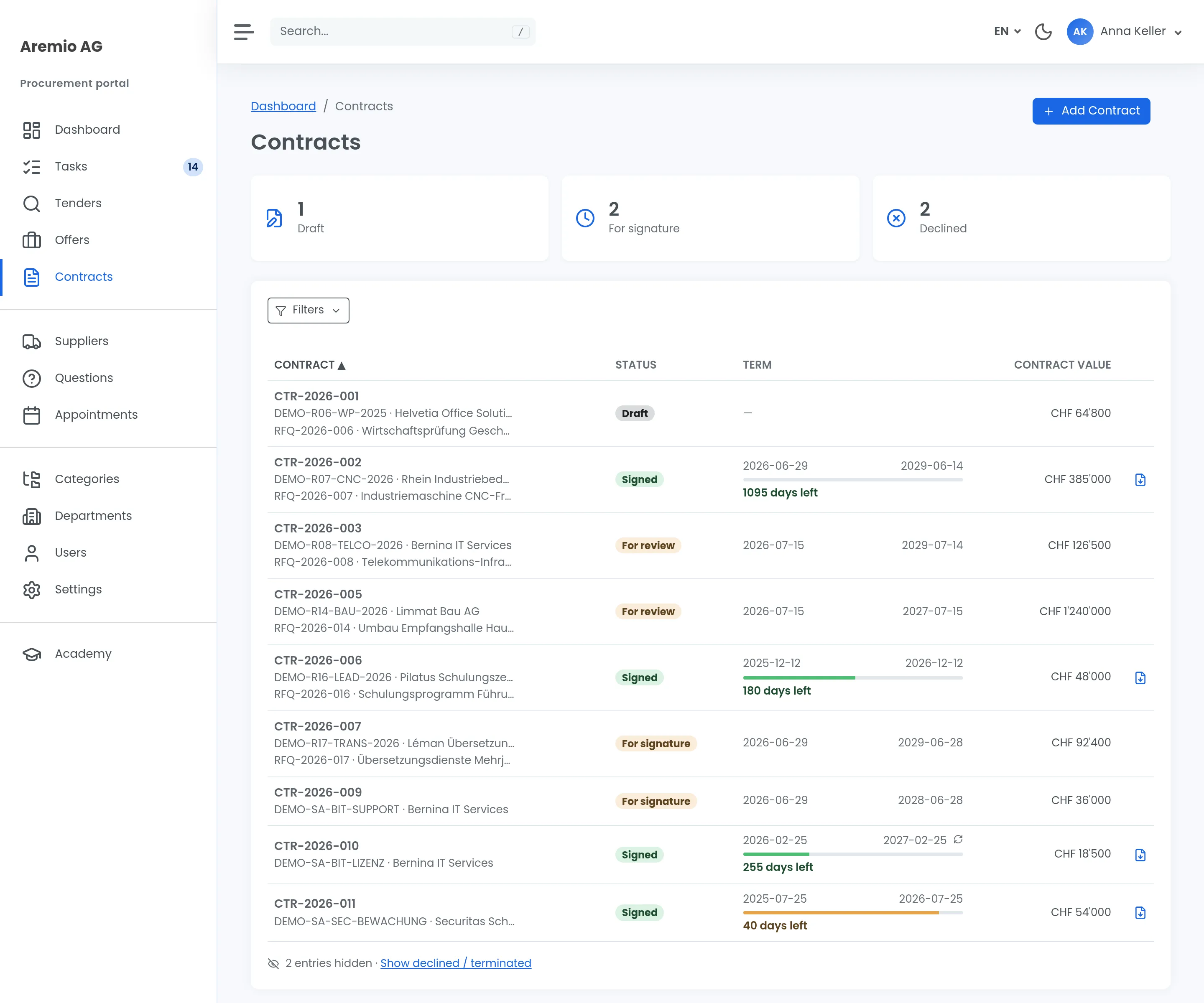
Overview
Turn the award straight into a contract. Tender, offer and contract stay linked, traceable all the way from need to signature. The supplier confirms in the portal, with an audit trail and timestamp. If you need a qualified electronic signature, we connect your own Skribble account: the supplier signs first, then you countersign.
From award to contract end.
Three steps; the supplier does the review in their own portal.
Draft the contract
The contract is created from the winning offer. Existing contracts you capture without a tender, just to monitor them.
- Contract from the award
- Contract without a tender
- Contract number, value and renewal option
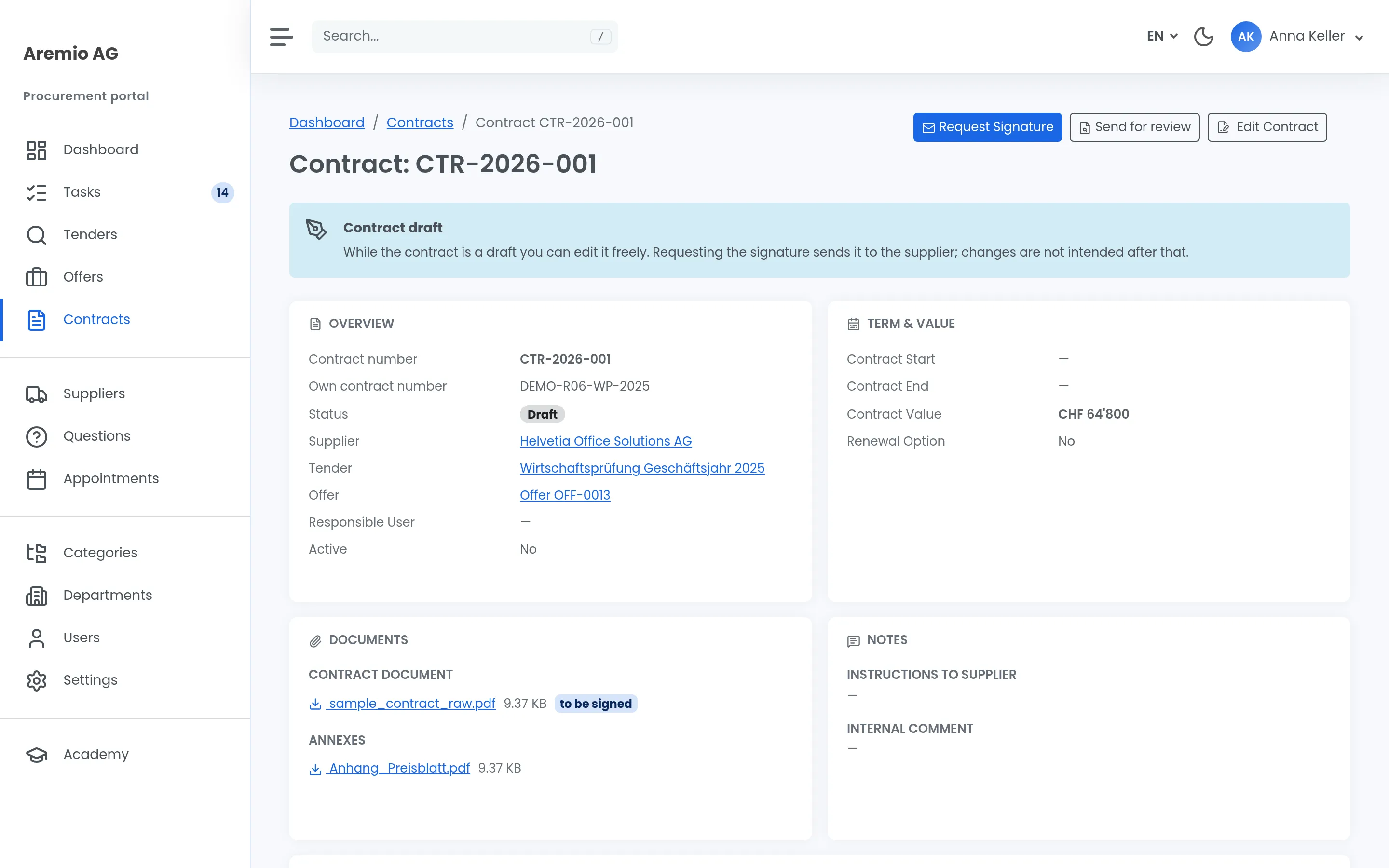
Review and sign
The supplier reviews the draft, asks for changes or confirms. Then you request the signature.
- Optional review of the draft before signing
- Confirmation in the portal, with a log and timestamp
- Qualified signature through your own Skribble account
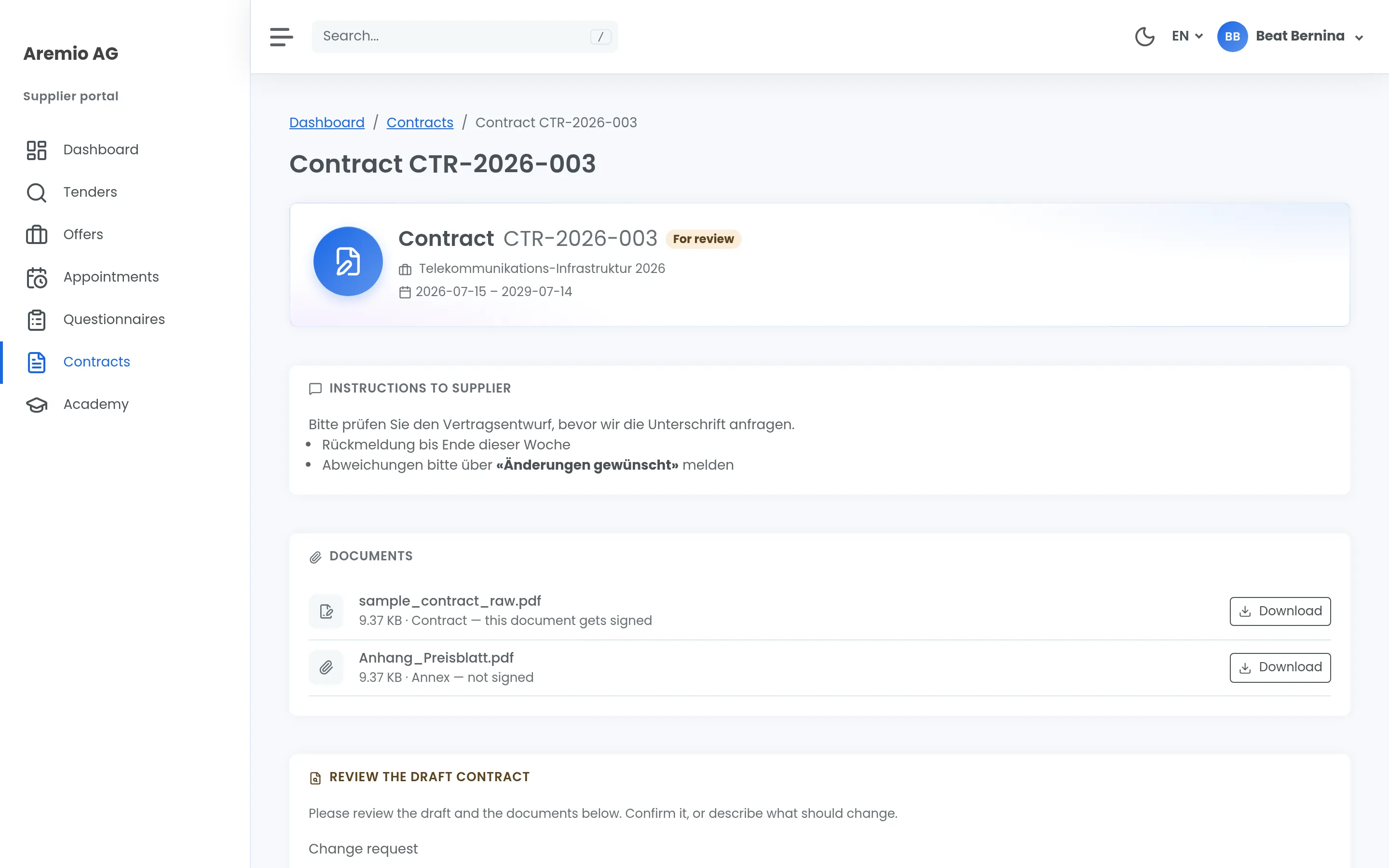
Monitor
Running contracts stay in view. Amendments carry term and value over into the main contract.
- Reminders 180, 90 and 30 days before the contract ends
- Amendments with term and value
- Delivery tracking with acceptance, also with reservations
Two sides, one contract.
Both sides work on the same contract, each in its own portal.
Procurement
Drafts, requests, monitors.
- Draft the contract From the award or without a tender
- Request the signature And withdraw and revise it if needed
- Record amendments Term and value go into the main contract
- Deadlines in view Reminders to the person responsible for the contract
Supplier
Reviews, confirms and terminates in the portal.
- Review the draft Agree or ask for changes
- Confirm or decline With a log and timestamp
- Terminate With an effective date and an optional letter
- All in one place Contracts next to offers and questions
Good to know
- Confirming in the portal is not a qualified signature
- The qualified signature runs through your own Skribble account; you pay for your signatures directly with Skribble.
- Terminations are recorded
- e-Request records the termination and notifies the other side. It takes legal effect outside the platform.
See e-Request on a case like yours.
We walk you through a tender from your field, from requirement to contract: IT, construction, public sector or general purchasing.
Personalized demo, 30 minutes. Or contact us