Invite, review and approve suppliers.
Procurement invites, the supplier fills in, procurement reviews. After that the supplier takes part in tenders in its own portal, with an email at every step.
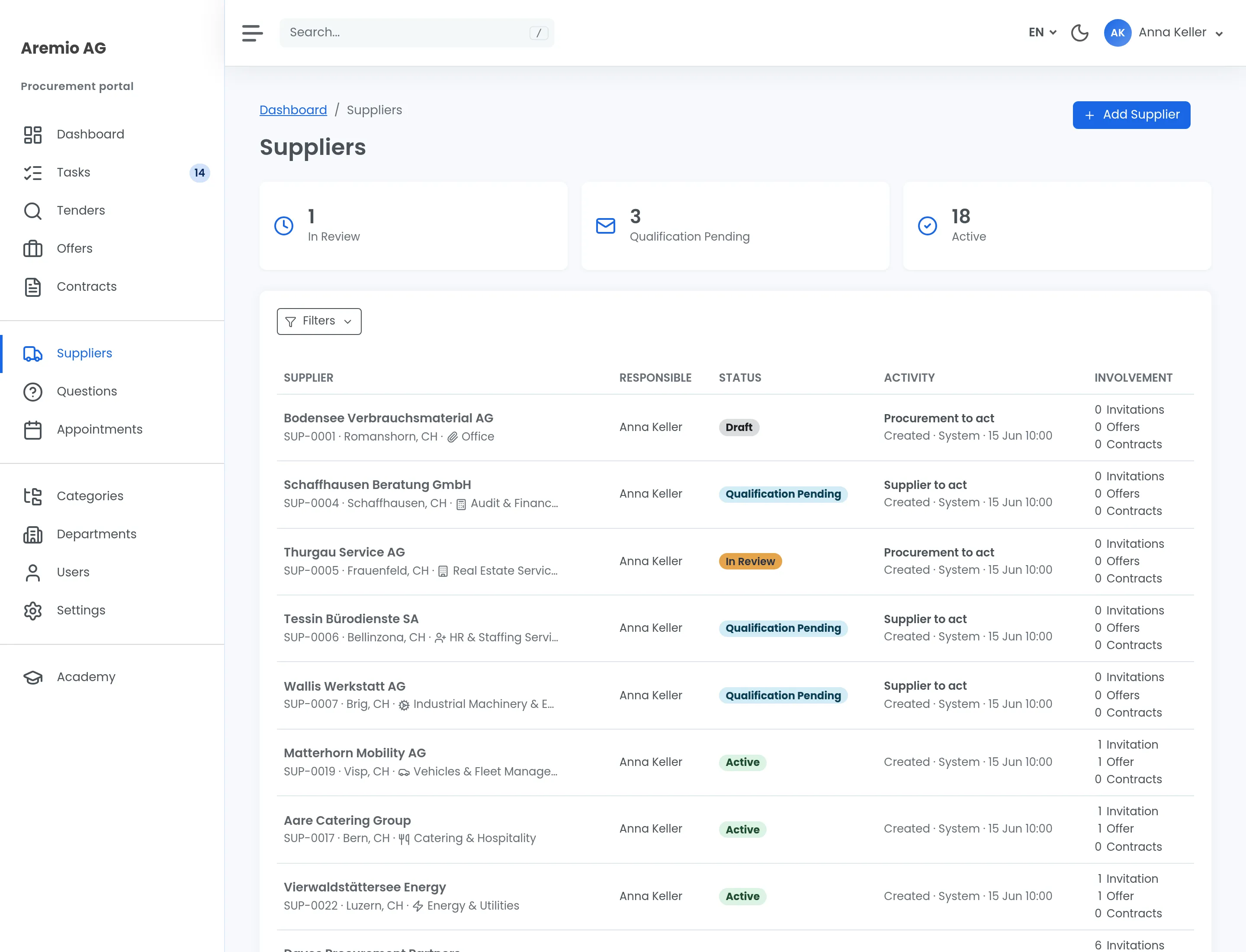
Overview
You invite your suppliers; unknown vendors submit an access request. From there suppliers maintain their own company data, keep it current, and submit offers through a dedicated portal. Internal notes on suppliers and offers stay internal — the supplier never sees them.
From first contact to working together.
Five steps, alternating between procurement and the supplier. Both always see whose turn it is.
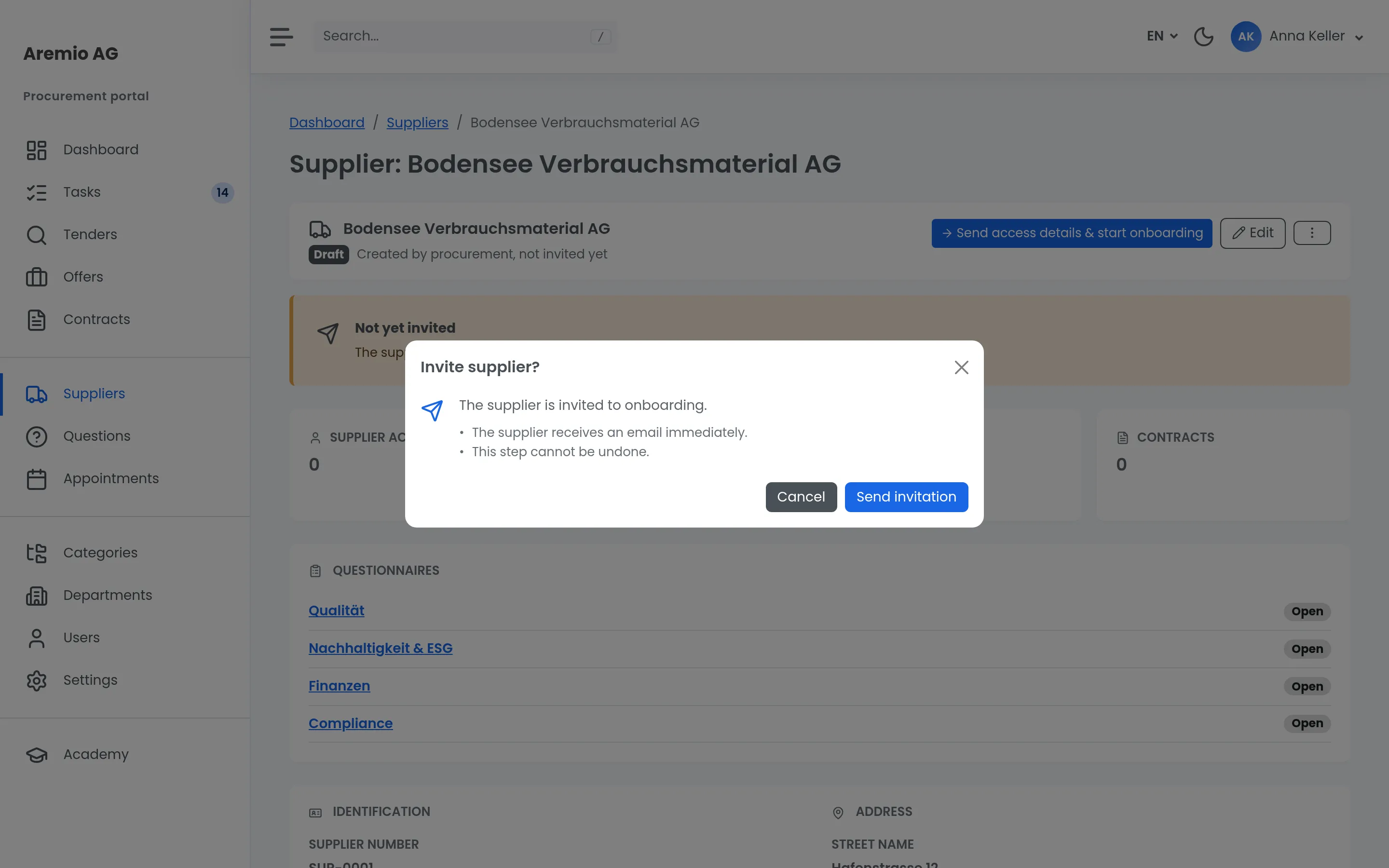
Invite
Procurement invites the supplier by email. From the start, the supplier sees which steps lie ahead.
- Invitation by email
- Access request for unknown suppliers
A supplier you do not know yet requests access through a form. Procurement gets an email; an account is only created with the invitation.
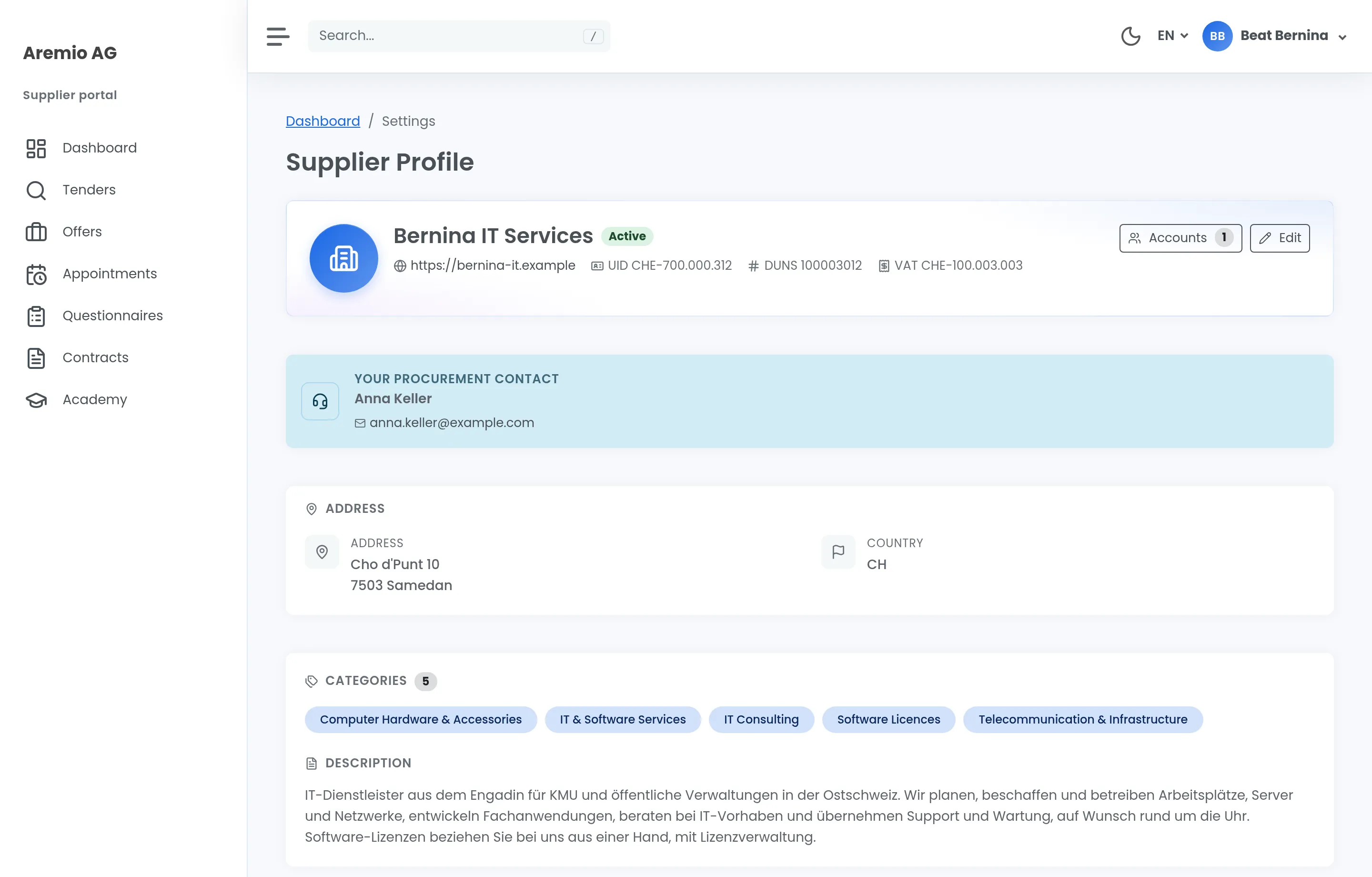
Complete the profile
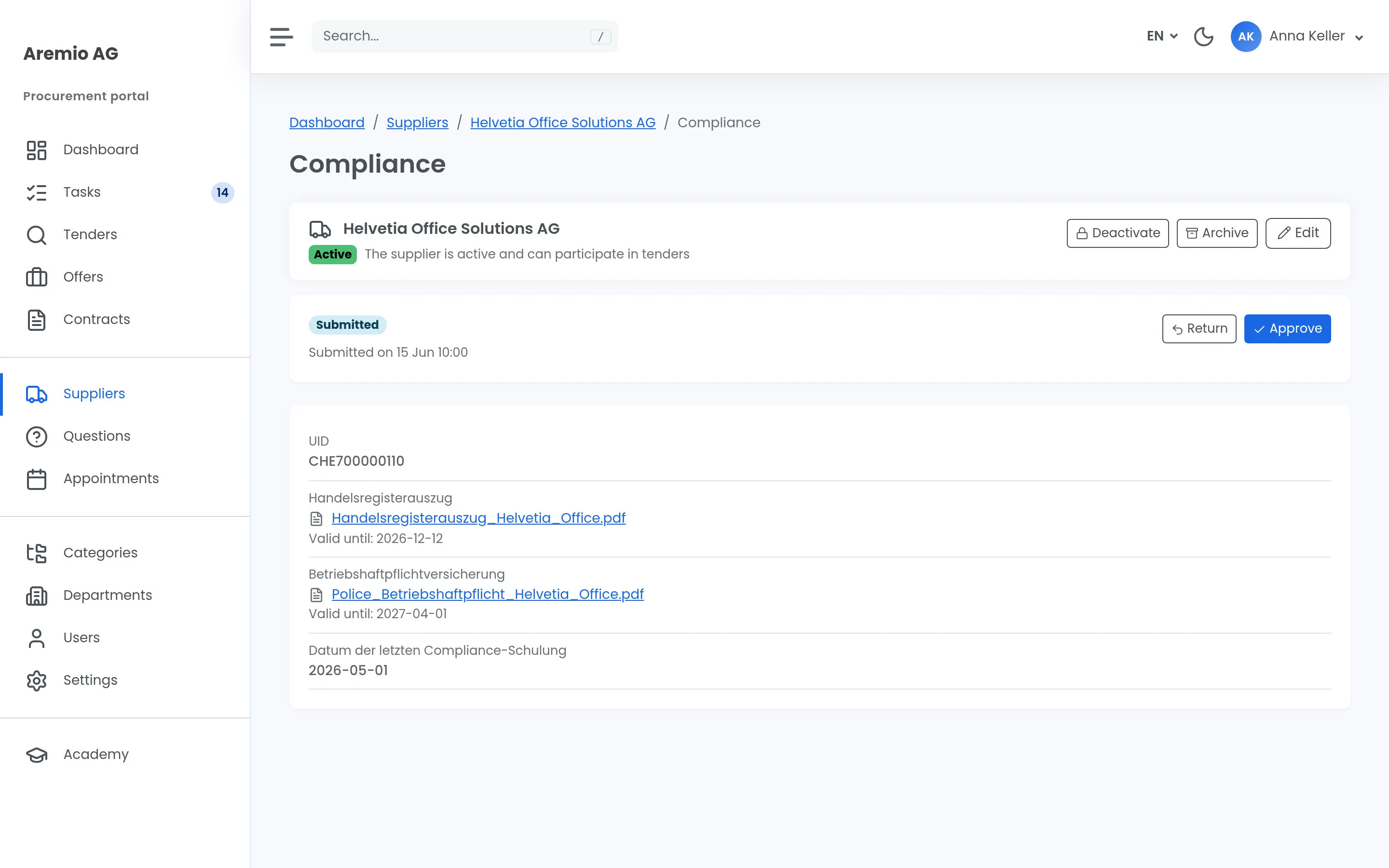
The supplier maintains its own company profile and submits it for review.
- Company search in the commercial register (CH UID)
- Main contact and an optional deputy
- Categories and description
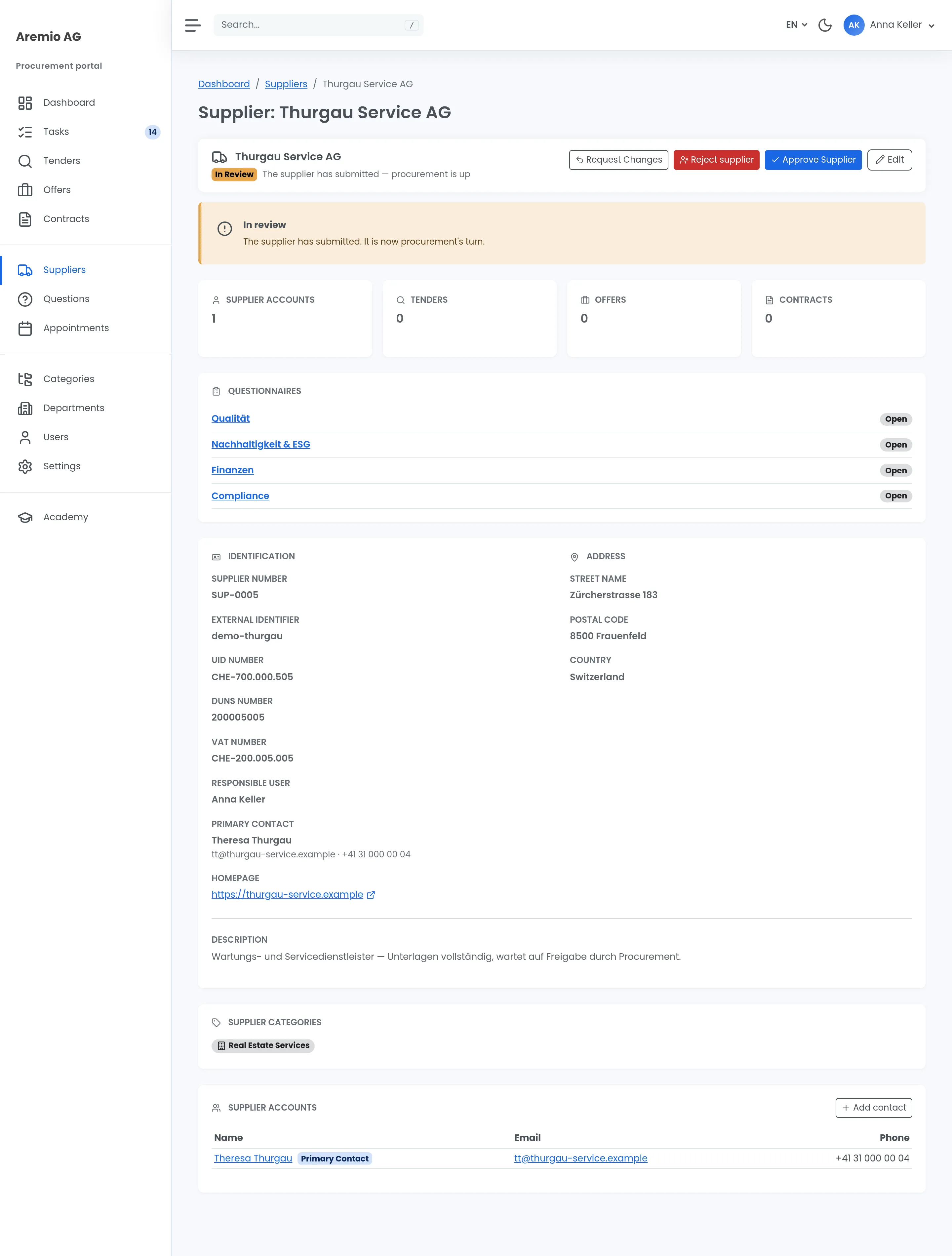
Review and approve
Procurement reviews and decides. If something is missing, the supplier is sent back with a reason instead of being rejected.
- Approve
- Request changes, with a reason
- Reject, reconsider later
Reasons can be inserted from text snippets and edited freely afterwards.
Take part
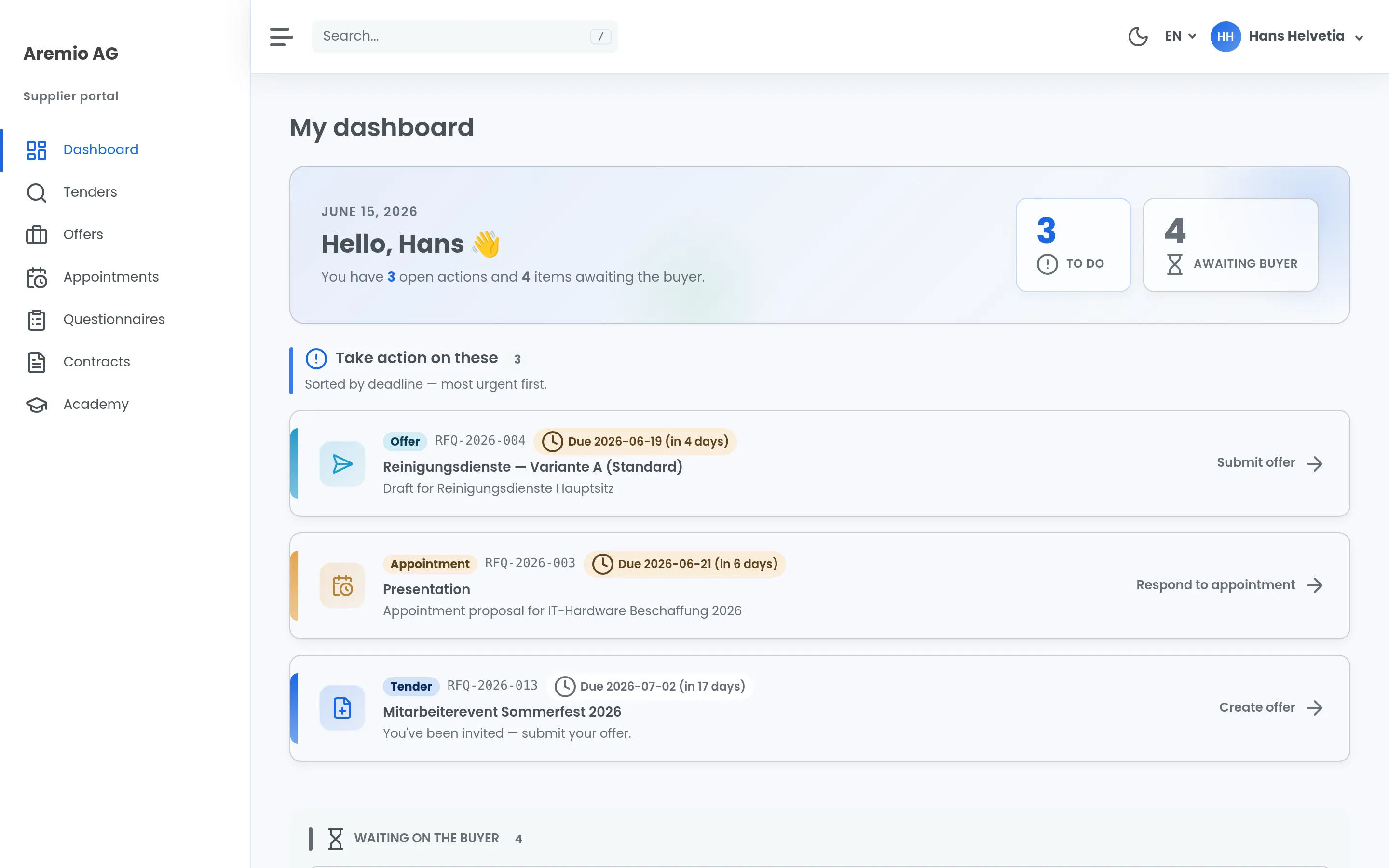
Approved suppliers work in their own portal: invitations, offers, questions, appointments and contracts in one place.
- Submit and withdraw offers
- Ask questions about a tender
- Confirm appointments and contracts
Collect proofs
With questionnaires per topic you collect proofs, for example on quality, sustainability, finance or compliance. The supplier fills them in on the portal, procurement reviews each questionnaire on its own.
- Questionnaires per topic, maintained by you
- Approve or return with a reason
- Expiring proofs flagged
Optional, in the paid SRM module. You remind the supplier of expiring proofs by email from e-Request; nothing is blocked automatically.
Two sides, one process.
Procurement stays in control. The supplier does its part itself, without back-and-forth by email.
Procurement
Decides who gets to take part.
- Invite suppliers Or handle access requests from unknown suppliers
- Review and decide Approve, request changes or reject
- Reasons from text snippets Inserted, then freely editable
- Block, archive, reactivate A reactivated supplier returns to where it was
Supplier
Maintains its data and works in the portal.
- Maintains its own company profile With a main contact and an optional deputy
- Resets its own password Without asking procurement
- Second factor with an authenticator app Optional, or required for the whole instance
- Offers, questions, appointments, contracts All in its own portal
Good to know
- Own account instead of SSO
- Suppliers sign in with their own account, because they work for many clients. SSO is available for the procurement side, as a paid add-on.
- New suppliers come through you
- Through your invitation, or an access request that procurement accepts. There is no open self-registration.
See e-Request on a case like yours.
We walk you through a tender from your field, from requirement to contract: IT, construction, public sector or general purchasing.
Personalized demo, 30 minutes. Or contact us