The dashboard shows at a glance what needs deciding today and whose turn it is, along with your tasks and open deadlines, evaluations, questions, supplier approvals and contracts. On top of that come category and department analyses, plus export: lists as CSV or Excel, and on request everything about your tenders in one file.
What needs doing today
The procurement dashboard first shows what needs deciding today, and whose turn it is: yours or a supplier’s. A task list and a calendar view come with it.
Tiles and lists
- Key figures at a glance: open deadlines, evaluations, questions, supplier approvals and contracts
- Analyses by category and department
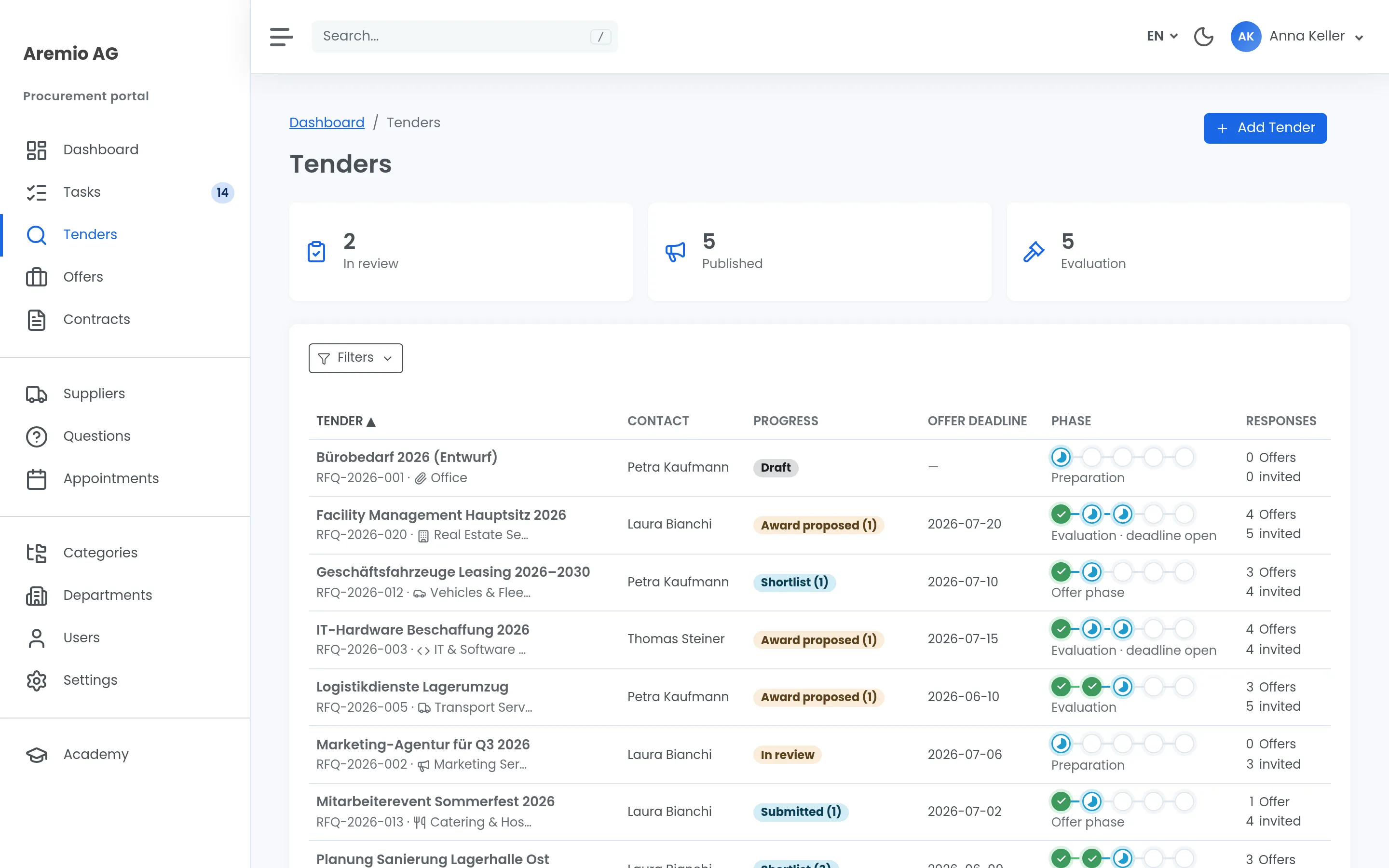
- Tender list with status, phase and the number of invitations and offers, with filters and search. Completed tenders are hidden by default.
- Global search across everything
Export to your own tool
Anything you want to analyse beyond that, you export as CSV or Excel into your own tool. There are deliberately no custom reports and no savings tracking.
Everything in one file
For the year-end close, an audit or the end of a contract, administrators can generate the accountability export at any time: a ZIP file with an Excel overview of all tenders and one folder per tender, containing the history as a PDF, award note, documents, offers, questions and answers, evaluations and contracts. It also holds the complete activity log and a checksum for every file.
See e-Request on a case like yours.
We walk you through a tender from your field, from requirement to contract: IT, construction, public sector or general purchasing.
Personalized demo, 30 minutes. Or contact us